
Download Play! – PlayStation 2 Emulator, Free, Open-Source, Multiplatform
Overview
Play! is a free and open-source emulator designed for PlayStation 2 games, offering users a streamlined way to relive classic titles on modern devices. The app aims to simplify the emulation experience by eliminating complex configurations, allowing users to insert a PS2 disc and begin playing immediately. This plug-and-play approach targets casual gamers, retro enthusiasts, and tech-savvy users who value simplicity and accessibility.
The emulator is particularly beneficial for those who want to enjoy PS2 games without the hassle of BIOS setup, disc image management, or advanced technical knowledge. Its primary purpose is to bridge the gap between legacy gaming hardware and contemporary computing environments, making older titles more approachable across multiple platforms. The developer did not provide additional technical details about the project’s origin or team structure.
However, its open-source nature suggests community-driven development and transparency. Real-world use cases include home gaming setups, portable play on Android devices, and desktop use on Windows, macOS, and Linux systems. In the broader app ecosystem, Play! fills a niche for lightweight, accessible emulation tools that prioritize usability over advanced customization, contributing to the preservation and continued enjoyment of PS2-era games.
Key Features & Functionality
- Easy Setup: Play! eliminates the need for BIOS files or manual configuration. Users can simply insert a physical PS2 disc into their computer’s drive and launch the game directly, reducing the barrier to entry for new emulation users.
- Compatibility List: The emulator maintains a publicly accessible compatibility list on its official website. Games are categorized into levels—nothing, basic, playable, and perfect—enabling users to assess which titles are likely to work before attempting to run them.
- Multiplatform Support: Play! is available on Windows, macOS, Linux, and Android, offering flexibility for users across different operating systems and device types.
- Lightweight Performance: Designed with efficiency in mind, the emulator requires minimal system resources, ensuring smooth operation even on lower-end hardware.
- Open-Source Nature: As an open-source project, Play! allows developers and users to inspect, modify, and contribute to its codebase, promoting transparency and continuous improvement.
For example, a user with an older laptop could install Play! on Linux and run a PS2 game like Grand Theft Auto: San Andreas without performance issues, thanks to the lightweight design. Another user might use the Android version on a tablet to play a favorite title during travel, relying on the compatibility list to avoid frustration. These features collectively enhance accessibility and user confidence in the emulation process.
Interface, UX & Performance
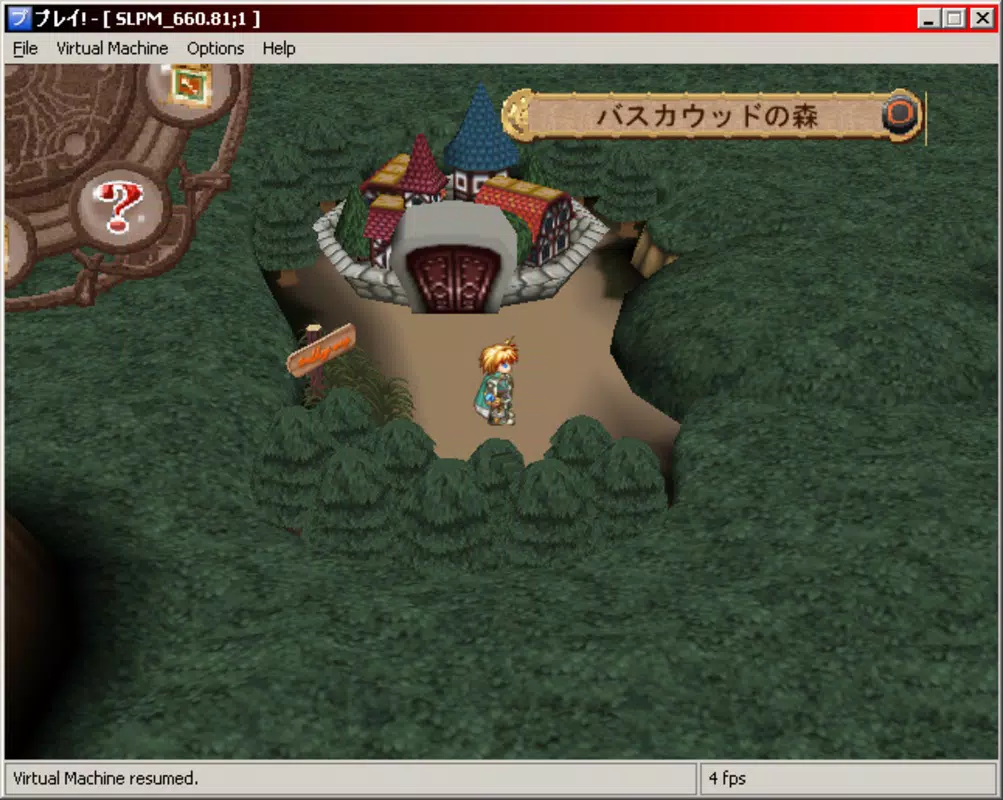
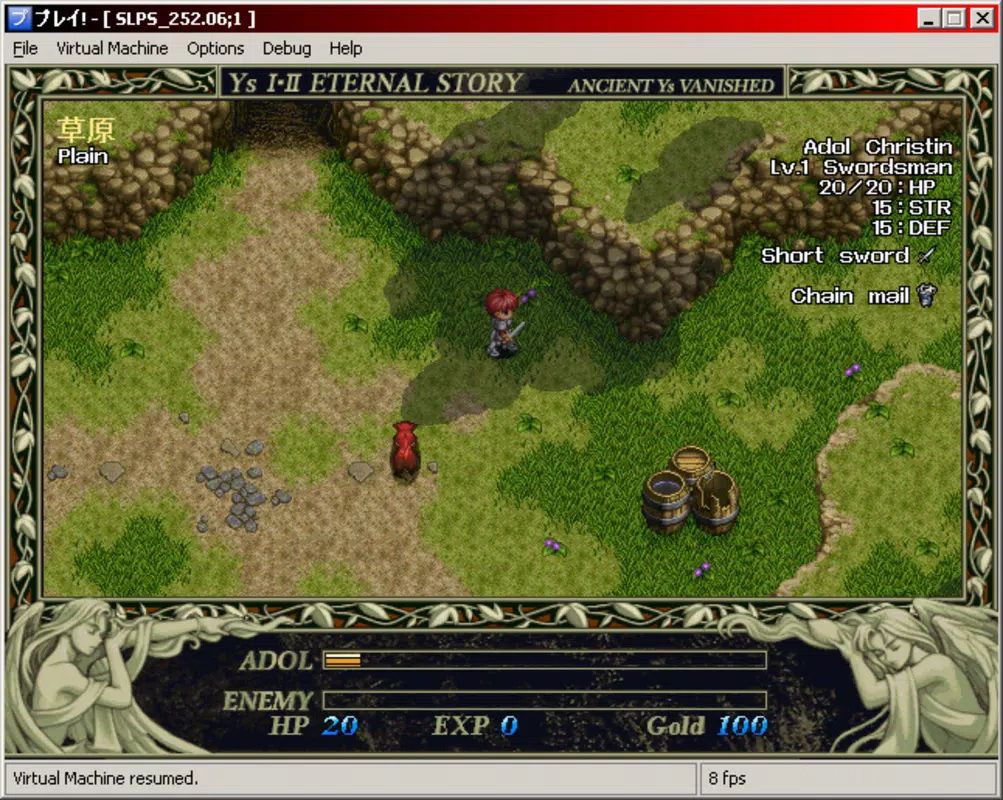
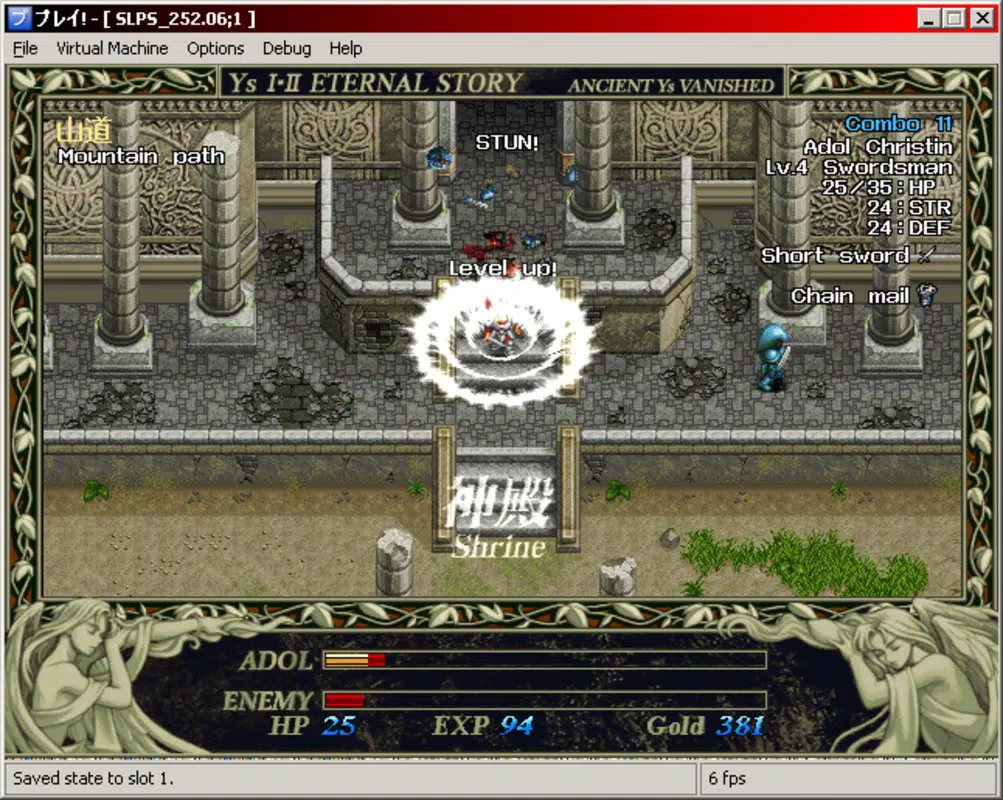
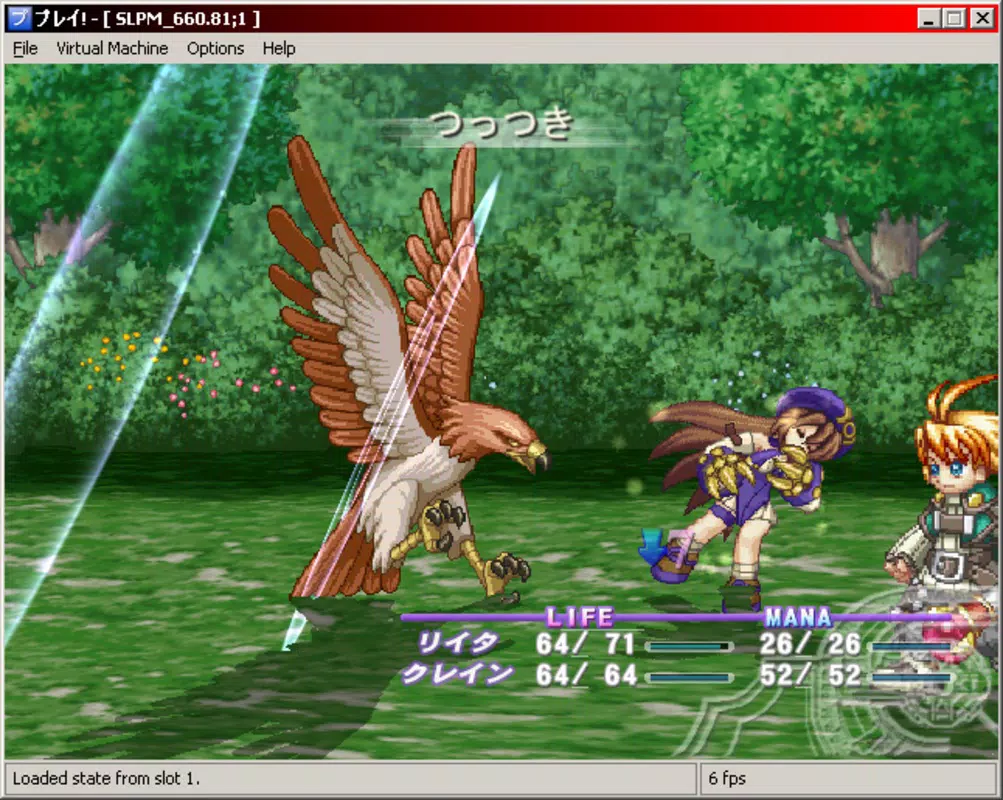
The user interface of Play! is designed around simplicity and minimalism, focusing on core functionality without clutter. Navigation is intuitive, with a central menu that allows users to select games from inserted discs or supported image files. Visual elements are functional rather than ornamental, prioritizing clarity over aesthetic flair.
The layout remains consistent across platforms, ensuring a familiar experience whether using Windows, macOS, Linux, or Android. Although the developer did not list formal performance metrics, the emulator is described as lightweight, suggesting efficient memory and CPU usage. Responsiveness appears to be optimized for standard playback, with minimal lag during gameplay.
Stability is likely maintained through community-driven updates, especially given the open-source model. However, specific details about crash rates, frame drops, or long-term reliability were not provided. The emulator’s performance may vary depending on hardware capabilities, but its design aims to support a wide range of systems.
Users on older devices or lower-end Android tablets may still experience smooth operation, thanks to the minimal resource demands. Overall, the UX emphasizes ease of use and immediate access, aligning with the app’s goal of being a plug-and-play solution for retro gaming.
Platform Compatibility & Technical Requirements
Play! is available on multiple platforms, including Windows, macOS, Linux, and Android. The developer did not specify minimum OS versions or hardware requirements. File size information was not disclosed, though the emulator is described as lightweight, indicating a relatively small footprint.
Specific compatibility details for each platform were not fully disclosed. The app supports physical PS2 discs on compatible systems, but the exact range of supported hardware (e.g., optical drives, Android devices with USB OTG) was not outlined. Users should ensure their device has the necessary input/output capabilities to handle disc reading or image file access.
The developer did not provide information on background processes, storage needs, or update frequency. Despite these gaps, the multiplatform availability suggests broad accessibility across desktop and mobile environments.
Pros and Cons
- Free and open-source with transparent development
- Simple plug-and-play setup with no BIOS required
- Supports multiple operating systems including Android
- Lightweight design suitable for older or low-end devices
- Public compatibility list helps users manage expectations
- Compatibility with certain PS2 games is limited and not guaranteed
- Specific technical requirements were not listed
- Performance may vary depending on hardware and game
- Developer did not provide detailed update or support information
- No official app store presence for all platforms
FAQ
Is Play! safe to download and use?
Yes, Play! is a free and open-source emulator, meaning its code is publicly available for inspection. As long as it is downloaded from the official website, it poses no known security risks.
Can I use Play! on my Android device?
Yes, Play! is available for Android, allowing users to run PS2 games on tablets and smartphones. However, performance may depend on the device’s processing power and support for disc or image file input.
Do I need a PS2 BIOS to use Play!?
No. Play! is designed to work without requiring a BIOS file, making the setup process simpler and more accessible for users unfamiliar with emulation.
How do I know if a game will work on Play!?
The emulator maintains a compatibility list on its official website, categorizing games by performance level—nothing, basic, playable, or perfect—to help users choose titles that are likely to run smoothly.
Is Play! updated regularly?
The developer did not provide information about update frequency. However, as an open-source project, it may receive regular improvements from the community.
Final Thoughts
Play! stands out as a user-friendly, accessible emulator for PlayStation 2 games, particularly appealing to those seeking a hassle-free way to enjoy retro titles. Its plug-and-play design, open-source foundation, and multiplatform availability make it a valuable tool for gamers across different devices. While compatibility with certain games remains limited, the public compatibility list helps users set realistic expectations. The lightweight nature of the app ensures broad accessibility, even on older or less powerful systems. For retro gaming enthusiasts, students, and casual users who value simplicity and transparency, Play! delivers strong value. It represents a practical solution for preserving and experiencing PS2-era games in a modern context. Download Play! now


